



Accepting crypto payments without KYC is easier than it might sound. You can receive payments directly in a self-custody wallet, manage your own payment infrastructure, or use a no-KYC crypto payment gateway like Coinom to automate the process.
The best setup depends on your business and how many payments you receive. If you are a freelancer or only accept occasional payments, a wallet address and QR code may be all you need. For an online store, features such as unique invoices, automatic payment monitoring, order updates, refund handling, and accounting records can make the process much easier.
Before You Start: What Accepting Crypto Without KYC Actually Means
KYC, short for Know Your Customer, is the identity-verification process used by regulated financial institutions and many custodial cryptocurrency services. Depending on the provider and jurisdiction, merchants may need to submit their legal name, address, government-issued ID, proof of residence, business documents, or information about the source of their funds.
Many conventional crypto payment gateways require merchants to complete a time-consuming KYC process and wait for their account to be approved before accepting payments. With a no-KYC crypto payment gateway like Coinom, the process is much simpler: create an account, set up your merchant profile, and start accepting crypto payments in as little as two minutes without submitting identity documents.
You might be interested: How to Accept USDT Payments on Your Website with a USDT Payment Gateway.
With Coinom, you can create an account, set up a merchant profile, generate an API key, and connect the gateway to your website using a ready-made plugin or API. Your customers can then pay with supported cryptocurrencies such as Bitcoin and USDT, while Coinom automatically monitors blockchain confirmations and updates the payment status.
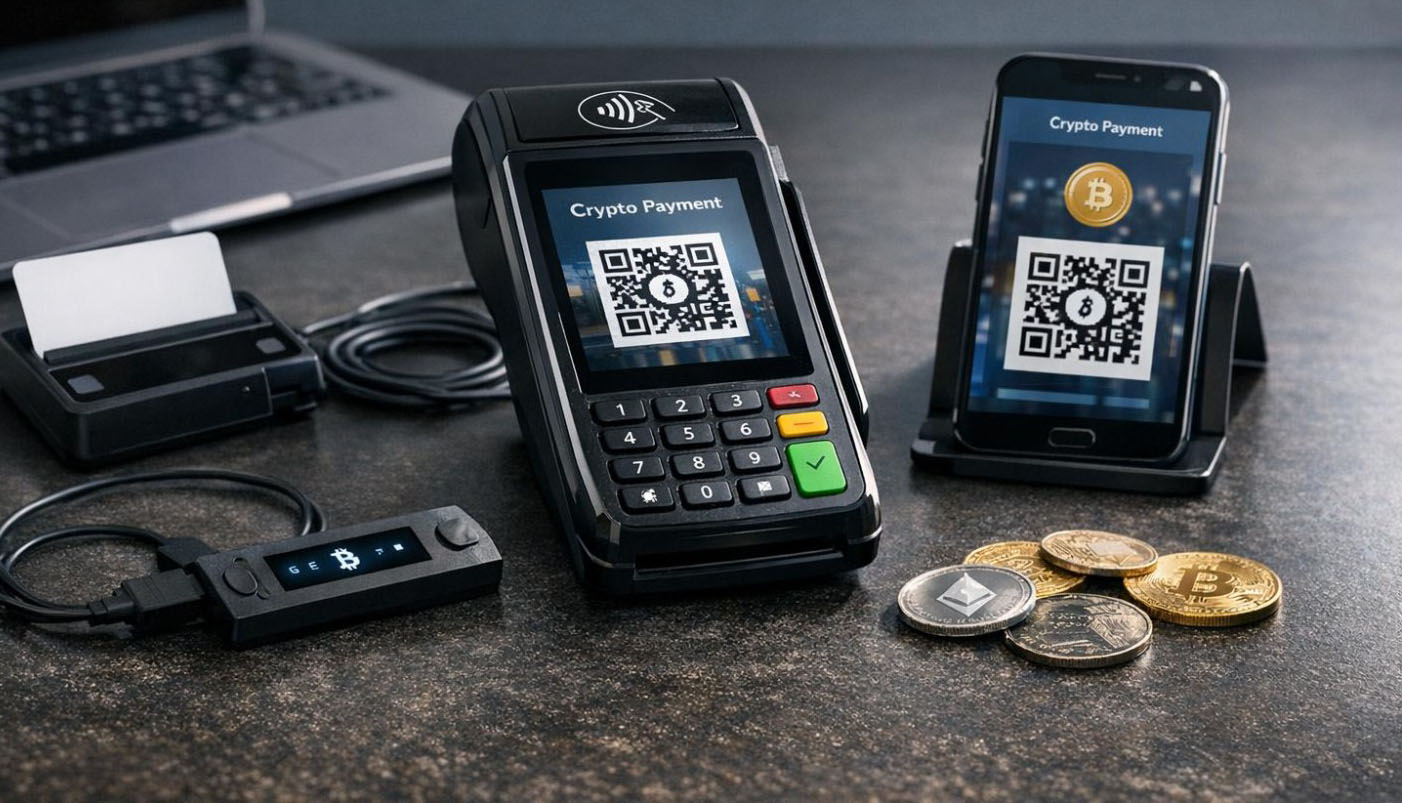
KYC vs No-KYC Crypto Payment Gateways
One of the first differences you will notice when comparing crypto payment gateways is how they handle merchant verification.
Some gateways require merchants to complete a full KYC or business verification process before they can accept payments. Others, such as Coinom, allow merchants to create an account and start accepting cryptocurrency without uploading identity documents.
Both types of gateways can process crypto payments, but the onboarding experience can be very different.
Crypto Payment Gateways That Require KYC
A crypto payment gateway that requires KYC may ask merchants to provide:
- Government-issued identification
- Proof of residential or business address
- Company registration documents
- Business ownership information
- Website and product details
- Expected transaction volume
- Bank or settlement information
After submitting these documents, the merchant may need to wait for manual review and approval. Depending on the provider, this process can take anywhere from several hours to several business days.
A KYC payment gateway may be suitable for businesses that specifically need services such as direct bank settlement or other regulated financial features. However, the additional paperwork and approval time can make it less convenient for smaller businesses, startups, freelancers, and website owners who simply want to accept cryptocurrency.
Crypto Payment Gateways Without KYC
A no-KYC crypto payment gateway removes the identity-verification step from merchant registration.
Instead of uploading personal and business documents, merchants can create an account using basic login information and begin setting up their payment gateway immediately.
With Coinom, you can:
- Register using your email address and password
- Create a merchant account
- Generate an API key
- Connect a ready-to-use plugin or API
- Start accepting supported cryptocurrencies
This makes onboarding much faster than applying for a traditional crypto payment processor and waiting for account approval.
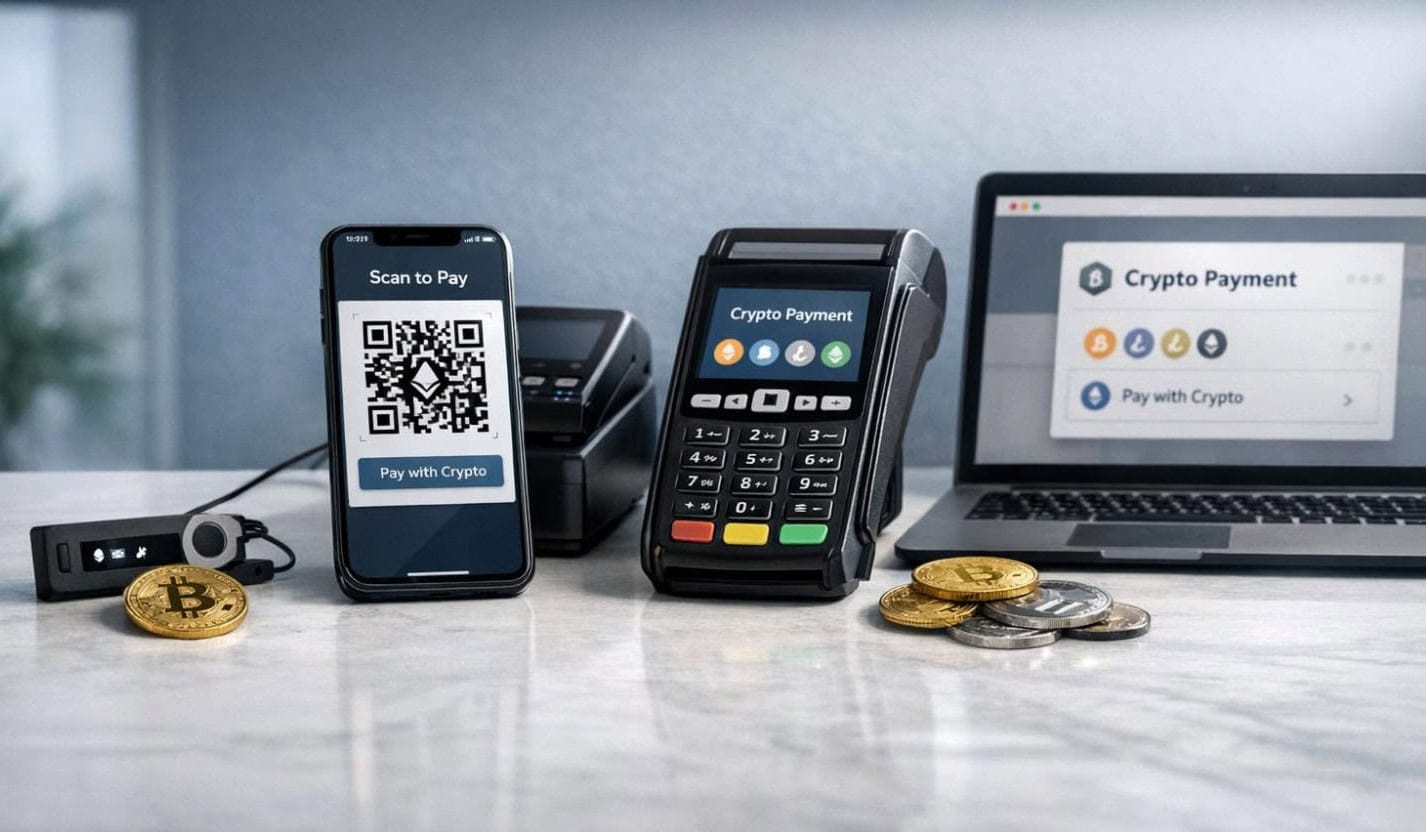
The Main Differences
| Comparison factor | KYC crypto payment gateway | Coinom no-KYC crypto payment gateway |
|---|---|---|
| Merchant registration | Identity or business verification is usually required | Register using an email address and password |
| Required documents | ID, proof of address, or company documents may be requested | No identity or business verification documents required |
| Approval time | Manual review may take several hours or business days | Start setting up crypto payments immediately |
| Setup process | Complete an application and wait for account approval | Create an account, add a merchant, and generate an API key |
| Integration options | Available options depend on the provider | Ready-made plugins and a developer-friendly API |
| Best suited to | Businesses that need regulated financial or bank-settlement services | Online businesses that want to accept crypto quickly without merchant KYC |
Why Use Coinom as a No-KYC Crypto Payment Gateway?
Coinom is designed to make accepting cryptocurrency feel similar to adding any other online payment method.
You do not need to operate blockchain nodes, manually monitor every transaction, generate payment details for each customer, or build a complete payment system from scratch.
Coinom provides:
- No-KYC merchant registration
- Quick account and merchant setup
- Support for multiple cryptocurrencies
- Automatic blockchain payment verification
- Confirmation tracking
- Real-time payment status updates
- Callback and webhook delivery
- Ready-to-use ecommerce plugins
- API integration for custom projects
- Payment and transaction history
- Built-in cryptocurrency wallets
- Built-in asset exchange
- Integration and installation support
These features make Coinom suitable for online stores, hosting companies, SaaS platforms, digital service providers, developers, and other businesses that want to automate cryptocurrency payments.
How to Accept Crypto Payments Without KYC Using Coinom
Getting started with Coinom only takes a few simple steps.
Step 1: Create Your Coinom Account
Visit Coinom and create an account using your email address and password.
You do not need to upload an ID, proof of address, or company documents. After registration, you can access your dashboard and begin creating your first merchant.
Step 2: Create a Merchant and Get Your API Key
Create a merchant for the website, store, or application where you want to accept payments.
Your merchant API key connects your website or plugin to Coinom. Keep this key private and only enter it in your website’s payment settings or secure server-side integration.
If you manage multiple websites or projects, using a separate merchant for each one can make payment tracking easier.
Step 3: Choose a Plugin or API Integration
Coinom offers two main ways to connect your website.
Use a Ready-to-Use Plugin
A plugin is the easiest option if your website uses a supported ecommerce, billing, or content-management platform.
Coinom currently provides integrations for:
- WooCommerce
- WHMCS
- PrestaShop
- OpenCart
- Easy Digital Downloads
- WordPress Donations
A plugin handles the connection between your store and Coinom without requiring custom development.
The usual setup process is:
- Download the appropriate Coinom plugin.
- Install and activate it on your website.
- Open the plugin’s payment settings.
- Enter your Coinom API key.
- Save the configuration.
- Create a test order and complete a small payment.
After setup, Coinom appears as a payment option during checkout. When a customer pays, the plugin receives the payment status and updates the related order or invoice automatically.
You can download available integrations from the Coinom payment plugins page.
Connect Through the Coinom API
The API is the better option for custom websites, mobile applications, SaaS platforms, Telegram bots, or services that need a customized checkout flow.
Using the Coinom API, developers can:
- Create cryptocurrency payment requests
- Display payment information to customers
- Verify payments
- Track blockchain confirmations
- Receive status updates
- Process callbacks and webhooks
- Connect payments to customer orders or accounts
The Coinom API documentation provides instructions for creating and verifying payments.
Step 4: Select the Cryptocurrencies You Want to Accept
Coinom supports several popular cryptocurrencies and blockchain networks:
- Bitcoin (BTC)
- Tether (USDT) on TRC20, BEP20, and ERC20
- Ethereum (ETH)
- BNB
- TRON (TRX)
- Dogecoin (DOGE)
- Litecoin (LTC)
Supporting multiple cryptocurrencies gives customers more ways to pay. However, the payment page should always make the selected currency and network clear.
This is especially important for USDT because it is available on multiple networks. A customer sending USDT through TRC20 must use the TRC20 payment details displayed at checkout. The same principle applies to ERC20 and BEP20 payments.
Coinom creates the required payment information for the selected cryptocurrency and network, reducing the possibility of unclear or incomplete payment instructions.
Step 5: Complete a Test Payment
Before enabling Coinom for all customers, create a small test order.
During the test, confirm that:
- Coinom appears as a payment option
- The correct cryptocurrency options are displayed
- The payment amount is correct
- The customer receives clear payment instructions
- The blockchain transaction is detected
- The payment status changes correctly
- The related order or invoice is updated
- The transaction appears in your Coinom dashboard
Testing helps you understand the customer experience and confirms that your plugin or API integration is working correctly.
Step 6: Start Accepting Crypto Payments
Once the test is successful, you can make Coinom available to your customers.
Your customers can select cryptocurrency during checkout, choose a supported asset, and complete the payment from their crypto wallet.
Coinom handles the payment flow automatically, allowing you to focus on your business instead of manually checking blockchain transactions.
How Coinom Handles a Customer Payment
A typical Coinom payment follows this process:
- The customer selects cryptocurrency at checkout.
- Your website creates a payment request through Coinom.
- The customer chooses a supported cryptocurrency and network.
- Coinom displays the required payment details.
- The customer sends the payment from their wallet.
- Coinom monitors the relevant blockchain.
- The transaction and confirmations are verified automatically.
- Coinom sends a payment status update to your website.
- The related order, invoice, or customer account is updated.
This automated process is one of the biggest advantages of using a crypto payment gateway instead of accepting payments through a shared wallet address.

Coinom vs Accepting Payments Manually
It is possible to accept cryptocurrency by displaying a wallet address or QR code. This may work for occasional payments, but it becomes difficult to manage as payment volume grows.
Manual wallet payments may require you to:
- Check the blockchain for every transaction
- Match payments to customers manually
- Confirm that the correct amount was received
- Identify the selected network
- Update orders and invoices yourself
- Maintain separate payment records
- Respond to customers waiting for confirmation
Coinom automates these tasks by creating payment requests, monitoring blockchain transactions, verifying confirmations, and sending payment status updates to your website.
For an online business, this creates a much smoother checkout experience and reduces repetitive payment-management work.
What to Compare Before Choosing a Crypto Payment Gateway
KYC requirements are important, but they should not be the only factor you consider.
Before selecting a gateway, compare:
Registration Requirements
Check whether the provider requires identity documents, business registration information, proof of address, or manual approval.
Coinom allows account creation using an email address and password without requiring merchant KYC.
Supported Cryptocurrencies and Networks
Make sure the gateway supports the cryptocurrencies your customers actually use.
Coinom supports Bitcoin, USDT across TRC20, BEP20, and ERC20, Ethereum, BNB, TRON, Dogecoin, and Litecoin.
Plugins and Integration Options
A gateway should work with your existing website or application.
Coinom offers plugins for popular ecommerce and billing platforms, along with an API for custom integrations.
Automatic Payment Verification
A crypto payment gateway should detect blockchain transactions and confirmations without requiring the merchant to check every payment manually.
Coinom automatically handles payment verification, confirmation tracking, status updates, callbacks, and webhooks.
Payment Tracking
Look for a dashboard that provides clear transaction information.
The Coinom dashboard lets merchants view incoming payments, monitor statuses, review payment details, and access transaction references and blockchain information.
Setup Time
A complicated onboarding process can delay the launch of your payment method.
Coinom allows merchants to create an account, create a merchant, obtain an API key, and begin integration within minutes.
Support and Documentation
Clear documentation can make integration much easier.
Coinom provides plugin installation guides, API documentation, and support for merchants who need help with setup or configuration.
Common Mistakes to Avoid
Even with an automated gateway, a few simple checks can prevent payment problems.
Not Testing the Integration
Always complete a small test payment before enabling the gateway for customers. Verify the checkout flow, payment detection, order update, and dashboard record.
Displaying an Unclear Network
Do not display “USDT” without identifying the selected network. Customers need to know whether they are paying through TRC20, BEP20, or ERC20.
Exposing the API Key
Keep your Coinom API key private. Do not publish it in public repositories, screenshots, client-side scripts, or support messages.
Updating Orders Before Payment Confirmation
Your website should rely on Coinom’s verified payment status rather than a customer-submitted transaction ID or browser message.
Ignoring Plugin or Integration Updates
Keep your ecommerce platform and Coinom plugin updated to maintain compatibility and access the latest improvements.
Who Can Use Coinom?
Coinom can be used by many types of online businesses.
Ecommerce Stores
WooCommerce, PrestaShop, and OpenCart merchants can add cryptocurrency as a checkout option using ready-made plugins.
Hosting Companies
The Coinom WHMCS module allows hosting providers to accept crypto payments and automatically update invoice statuses after payment confirmation.
SaaS Platforms
SaaS companies can use the API to create payment requests and connect confirmed payments to customer accounts or services.
Digital Product Sellers
Easy Digital Downloads merchants can accept cryptocurrency for software, licenses, courses, files, and other digital products.
WordPress Websites and Donations
WordPress website owners can use Coinom integrations to accept customer payments or cryptocurrency donations.
Custom Websites and Applications
Developers can use the Coinom API to add cryptocurrency payments to custom websites, mobile applications, Telegram bots, and other online services.
Frequently Asked Questions
What is the difference between a KYC and no-KYC crypto payment gateway?
A KYC gateway requires merchants to verify their identity or business before accepting payments. A no-KYC gateway allows merchants to register and begin setting up payments without uploading identity documents.
Does Coinom require KYC?
No. Coinom allows merchants to create an account using an email address and password without submitting identity documents or additional verification documents.
How quickly can I start accepting payments with Coinom?
You can create an account, create a merchant, obtain an API key, and begin connecting your website within minutes. For supported platforms, a ready-made plugin can make the process even faster.
Which cryptocurrencies does Coinom support?
Coinom supports Bitcoin, USDT, Ethereum, BNB, TRON, Dogecoin, and Litecoin. USDT is available on TRC20, BEP20, and ERC20 networks.
Can I use Coinom with WooCommerce?
Yes. Coinom provides a WooCommerce plugin with automatic payment verification and order status updates.
Does Coinom work with WHMCS?
Yes. The Coinom WHMCS module allows hosting providers and online businesses to accept crypto payments for invoices and automatically update invoice statuses after confirmation.
Can I use Coinom on a custom website?
Yes. Developers can use the Coinom API to create payments, verify transactions, and receive payment status callbacks on custom websites and applications.
Does Coinom verify payments automatically?
Yes. Coinom automatically monitors blockchain transactions, tracks confirmations, updates payment statuses, and delivers callbacks or webhooks to connected websites.
Do I need coding knowledge to use Coinom?
Not necessarily. If you use a supported platform such as WooCommerce, WHMCS, PrestaShop, OpenCart, Easy Digital Downloads, or WordPress, you can install a ready-made plugin. Custom websites can connect through the API.
Can I track payments from my Coinom account?
Yes. The Coinom dashboard provides payment history, transaction details, payment statuses, blockchain references, and supported cryptocurrency balances.
How can I get support from Coinom?
Coinom support is available directly through your account. After signing in, you can submit a support ticket with any questions about Coinom services, plugin installation, payment integration, API setup, or your merchant account. Our support team will review your request and respond as quickly as possible with the guidance you need.
Conclusion
Crypto payment gateways that require KYC can involve identity documents, company information, manual reviews, and waiting for account approval. These services may be appropriate for businesses that specifically need traditional bank settlement or other regulated financial features.
For businesses that want to accept cryptocurrency without going through a lengthy merchant verification process, Coinom provides a faster and simpler alternative.
You can create an account using your email address and password, create a merchant, generate an API key, and connect your website using a ready-made plugin or API. Coinom supports Bitcoin, USDT, Ethereum, BNB, TRON, Dogecoin, and Litecoin while automatically handling blockchain verification, confirmation tracking, payment status updates, callbacks, and webhooks.
Whether you operate an online store, hosting company, SaaS platform, digital service, WordPress website, or custom application, Coinom gives you the tools needed to start accepting crypto payments without KYC and without building your own payment infrastructure.
Create your Coinom account and start accepting cryptocurrency payments in minutes.